Ticket #02 · guide
The shared-folder audit
Windows networks accumulate shared folders the way desks accumulate sticky notes. LizardSystems Network Scanner is the ticket that lists every machine, every share and the rights behind them — in one pass.
Take the tool
The free edition caps how many computers a scan returns, which a flat or an apartment rarely notices. Offices graduate to the licence.
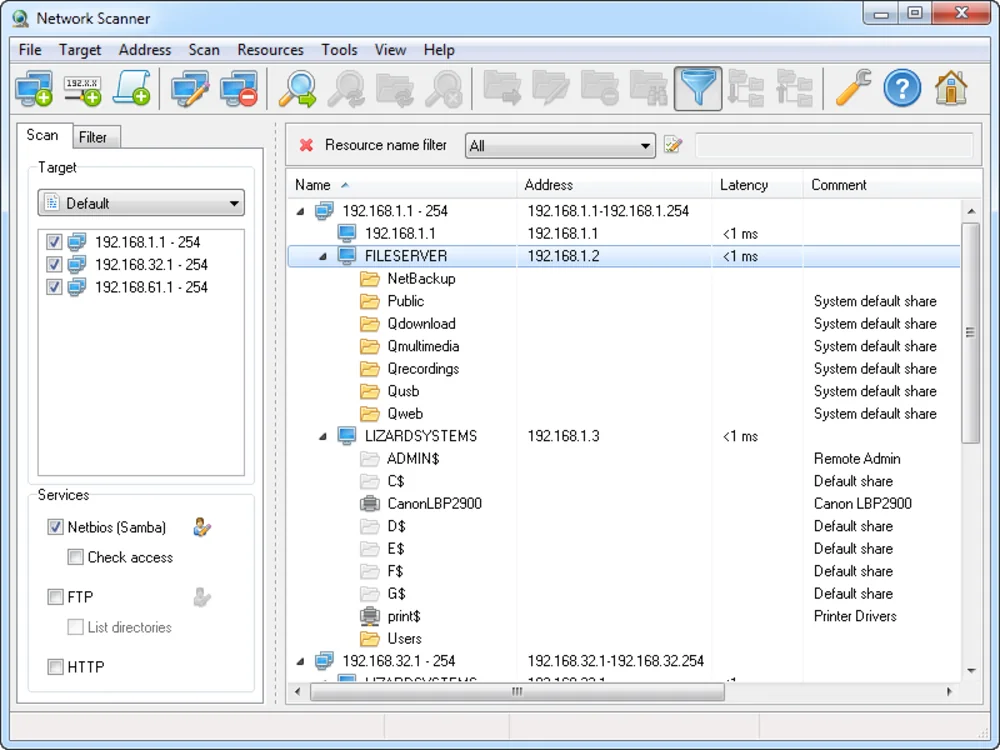
Set the scan scope
Give it the same range the router hands out, and let it enumerate the workgroup. The scanning preferences decide how deep each probe goes — shares and rights are the ones this ticket needs.
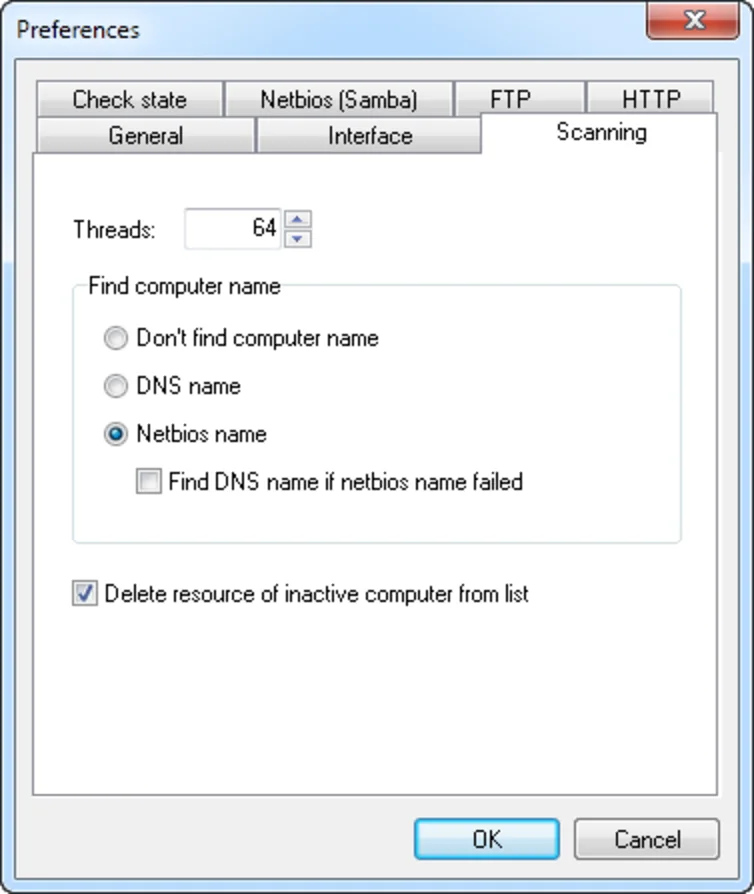
Add ranges without retyping
Multiple subnets file into one scan via the range manager, so a flat plus a garage segment still lands in a single report.
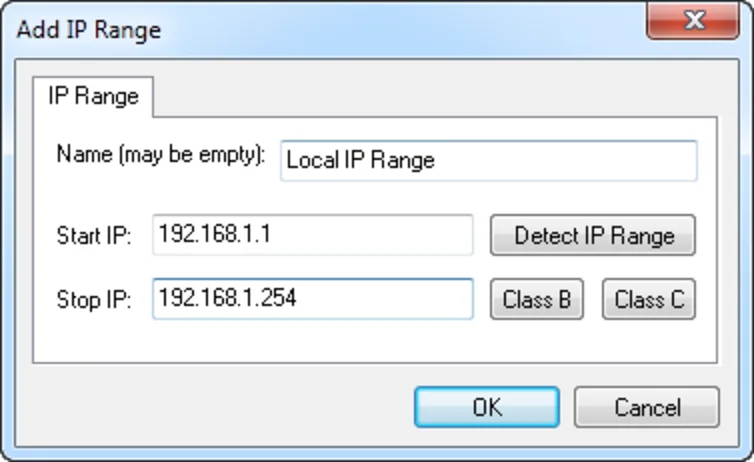
Filter down to the finding
Once the table is full, filter on writable shares. This is usually the moment the ticket pays for itself: half the office can edit something exactly one person should.
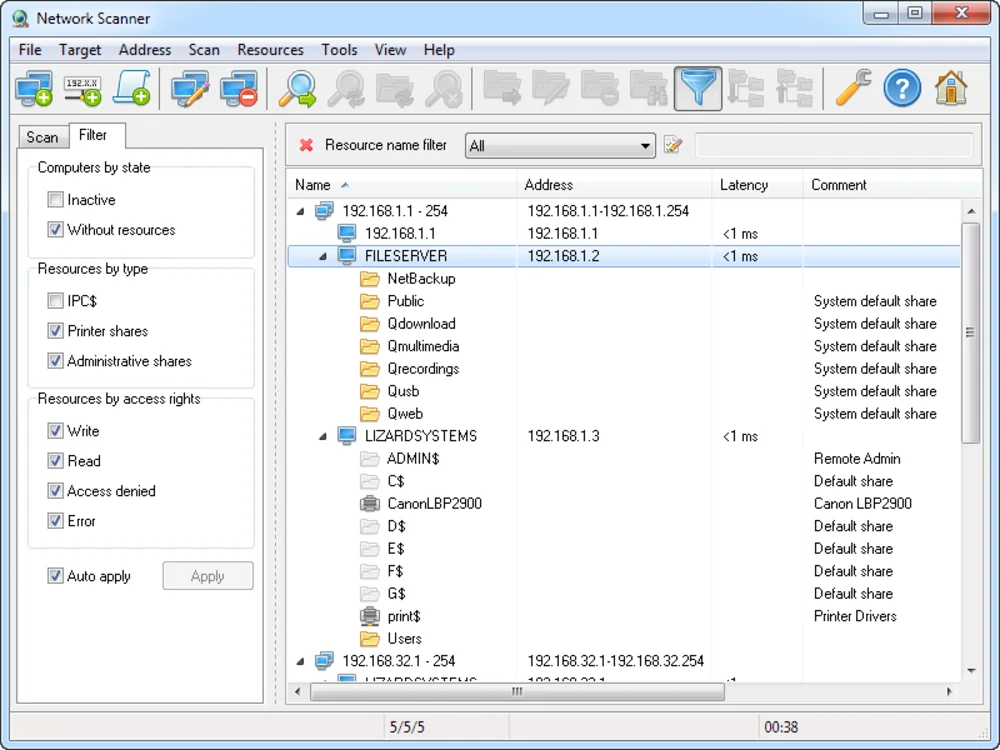
Expressions for the stubborn questions
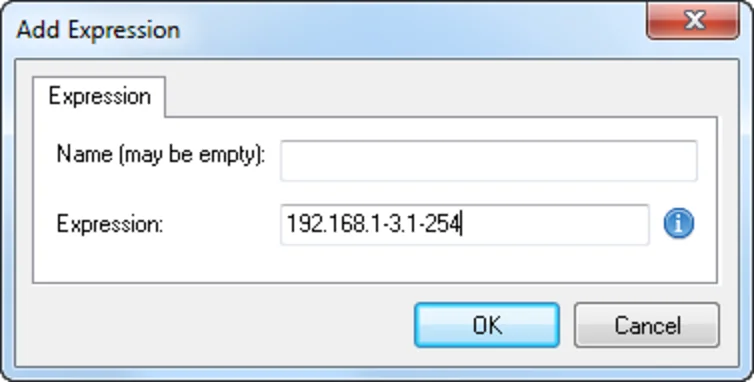
Custom expressions reshape the output columns when the default table answers a slightly different question than the one you filed.
Close the ticket with a report
Export to HTML or XML and attach it to the ticket. A share audit that arrives as a file gets fixed; one that arrives as a story gets nodded at.
Ticket notes
- Run it as a standard user — the report then shows what a normal colleague reaches.
- Windows only; other desks use Ticket #01.
- Fix the permission first, rescan second, or the export is stale before it is read.