Ticket #01 · guide
The unknown-device sweep
Somebody's streaming stick is eating the bandwidth, or a laptop has joined the wifi that nobody recognises. This ticket closes with Angry IP Scanner and about five unhurried minutes.
Step 1 — take the tool
Angry IP Scanner arrives as a single portable file. Nothing installs, nothing registers, and deleting the file later is a complete uninstall.
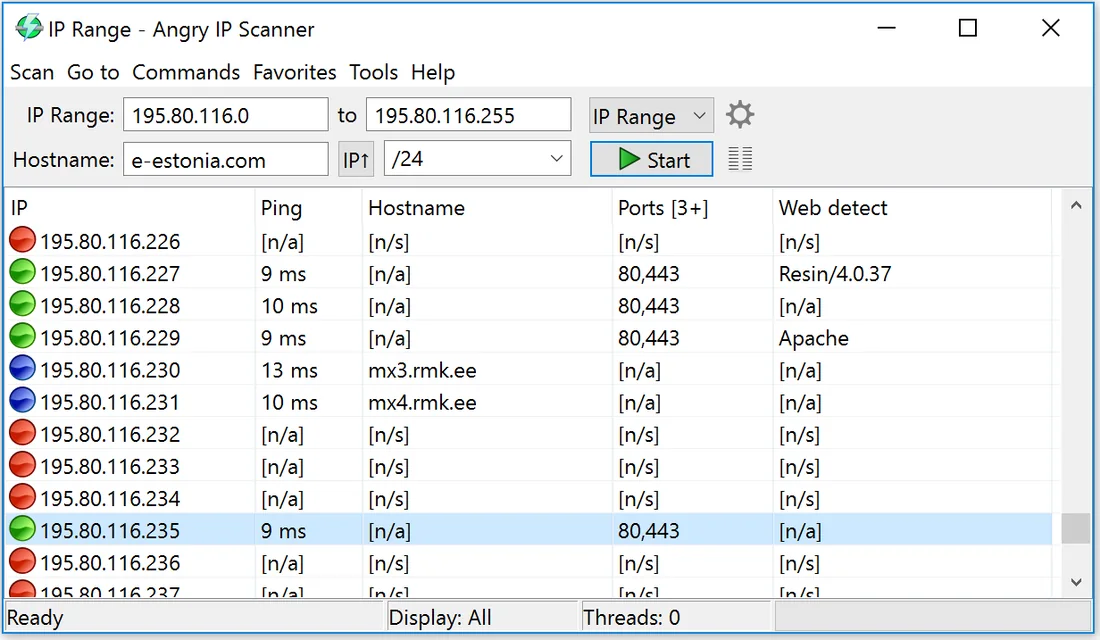
Step 2 — point it at the range
The program guesses your local range on launch, and the guess is usually right. If it is not, copy the address and mask from your router's LAN settings.

Step 3 — run the sweep
Press start. A few hundred addresses pass in well under a minute; the table fills with every host that answered. Blue rows are alive, red rows stayed silent.
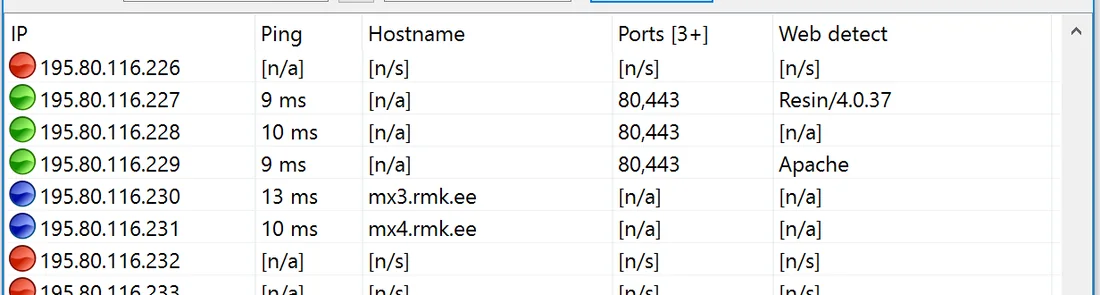
Step 4 — read the table like a clerk
Work top to bottom: does each hostname belong to something you own? Unknown names near your printer's address are usually the gadgets people forget — e-readers, consoles, the doorbell. Anything truly unexplainable gets its own follow-up ticket and a look at the router's client list.

Step 5 — file the export
Export the table as CSV with today's date in the filename. Next month the same sweep plus one comparison turns this single ticket into the standing inventory routine described here.
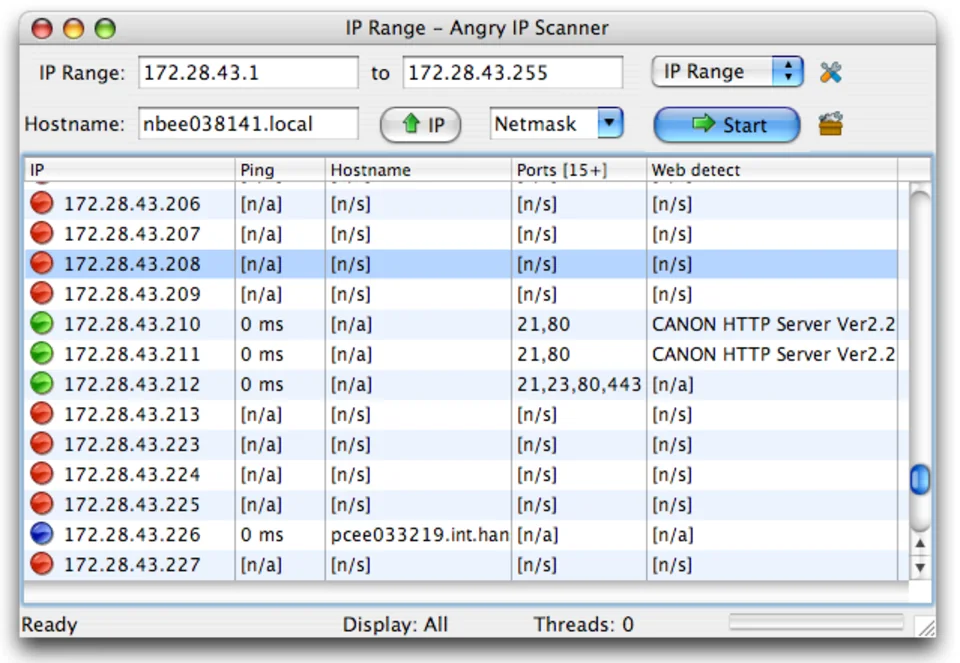
Ticket notes
- Java is bundled on Windows and macOS; Linux users pick a package or Java 11+.
- Ping-blocked devices may hide — slow the timeout and sweep once more.
- Scan only ranges you are responsible for. Everything else is someone else's ticket.